Professional Headshot
Start with the professional preset for a polished portrait. Adjust the setting, outfit, framing and light to fit a profile, resume or personal website.
A FRESH PROFESSIONAL PORTRAIT
Create a professional portrait from a photo you already have. Explore studio lighting, a polished wardrobe and a setting that fits the way you want to introduce yourself.
Create a professional headshotPNG, JPG or WebP · Up to 12 MB · Sign in to use generation credits

MAKE IT YOURS
Start with the professional preset for a polished portrait. Adjust the setting, outfit, framing and light to fit a profile, resume or personal website.
Choose soft studio light or a natural setting. Keep the background simple when the portrait needs to read clearly at a small profile size.
Explore a formal suit or a more relaxed look. Use a close-up or half-body composition depending on where the image will appear.
Switch to an environmental portrait when you want a more personal setting, from a quiet forest to a beach at golden hour.
REAL EXAMPLES
PoseMe-generated professional and creative portrait examples. Creative portraits show other looks available in the same studio.
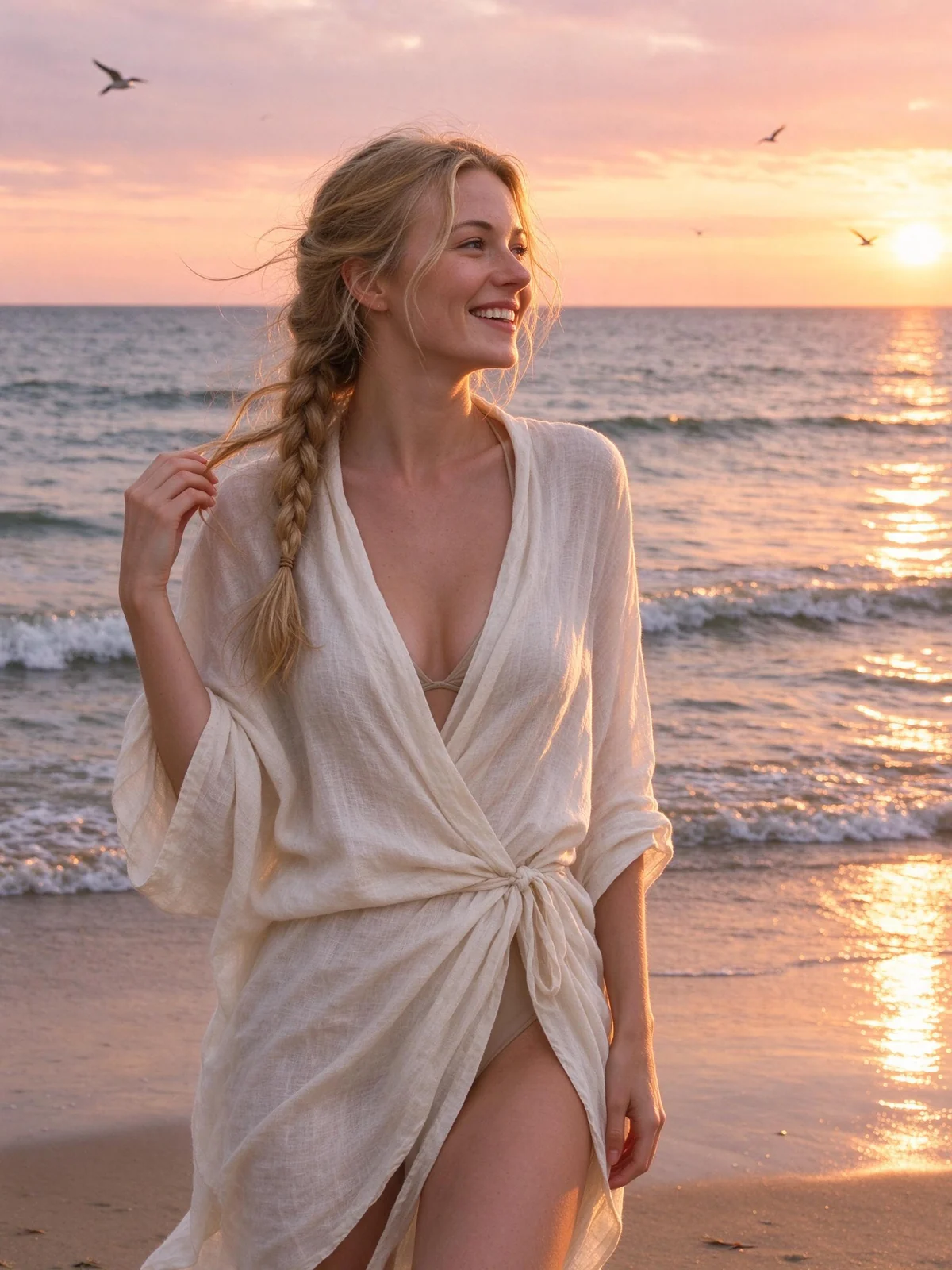
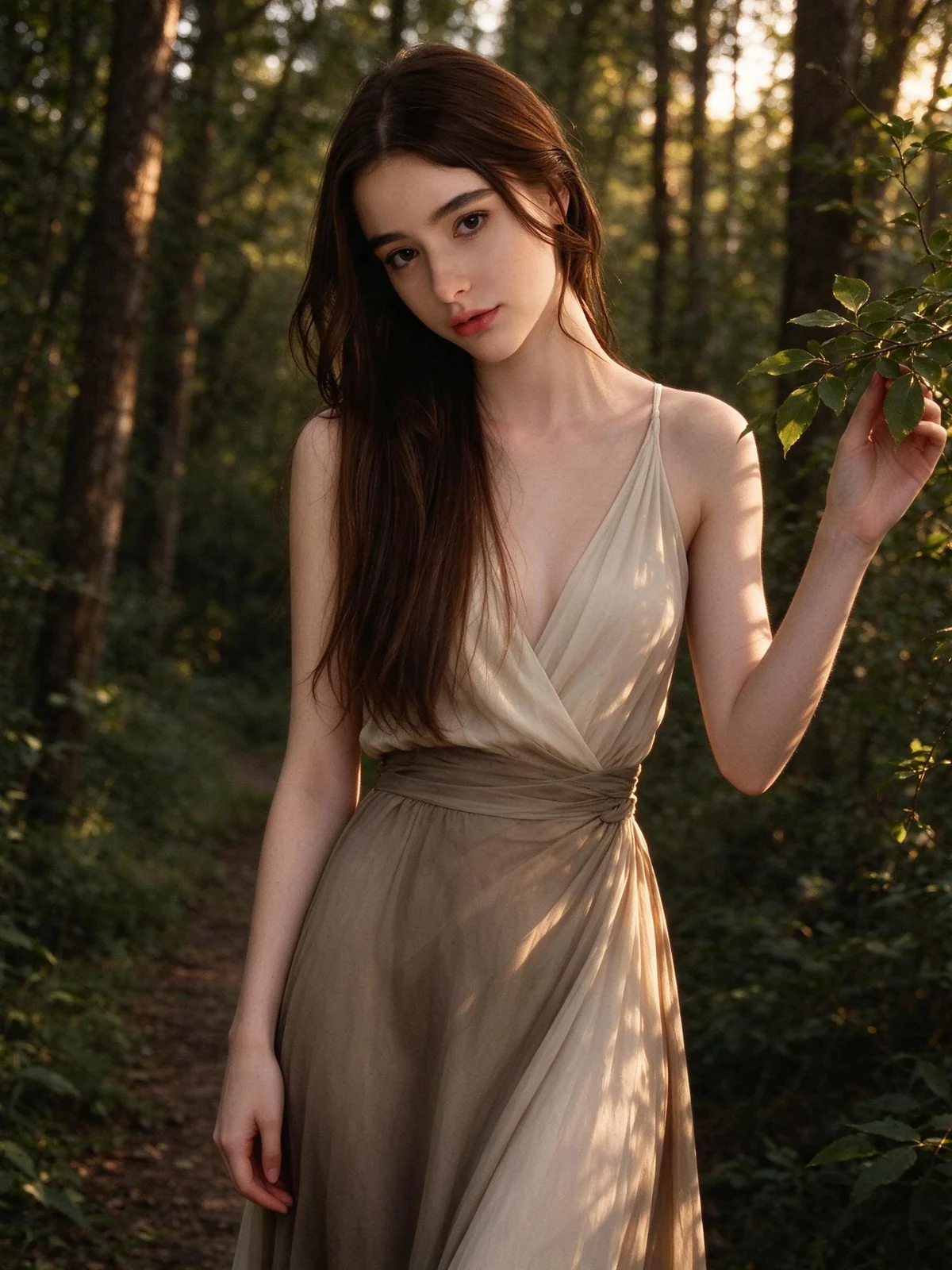
FROM PHOTO TO FINISHED IMAGE
The studio opens with the recommended professional portrait settings.
Use a well-lit image with a clear face, in PNG, JPG or WebP format, up to 12 MB.
Choose the wardrobe, scene and framing, generate your image and check facial details before downloading.
A FEW USEFUL ANSWERS
You can start with a single uploaded photo. A sharp, evenly lit image usually provides more useful identity information than a small or heavily filtered picture.
You can download the generated portrait for your profile or resume, subject to the rules of the destination service. Review likeness and presentation first, and disclose AI editing when required.
Do not assume an AI-generated portrait meets official requirements. Rules vary by authority and may prohibit altered or synthetic images. Check the applicable rules and use an unaltered compliant photo when required.
Real AI generation requires signing in with Google. Newly generated portraits are saved to your private gallery and the successful generation is recorded against your credit balance.
Your source photo is held in the current browser session. When you consent to AI generation, it is sent to the configured external image provider for processing. Source uploads are not saved in your gallery. Outputs created while signed in are saved privately to your account.
YOUR NEXT IMAGE STARTS HERE