Faithful Restoration
Improve clarity and tonal balance while keeping the composition and recognizable features close to the source. A good starting point when the photo needs care rather than a new look.
RESTORE YOUR MEMORIES
Repair visible damage, bring balance back to faded photographs and explore natural colorization. Start with a family scan or an old portrait, then choose how much to restore.
Restore a photoPNG, JPG or WebP · Up to 12 MB · Sign in to use generation credits
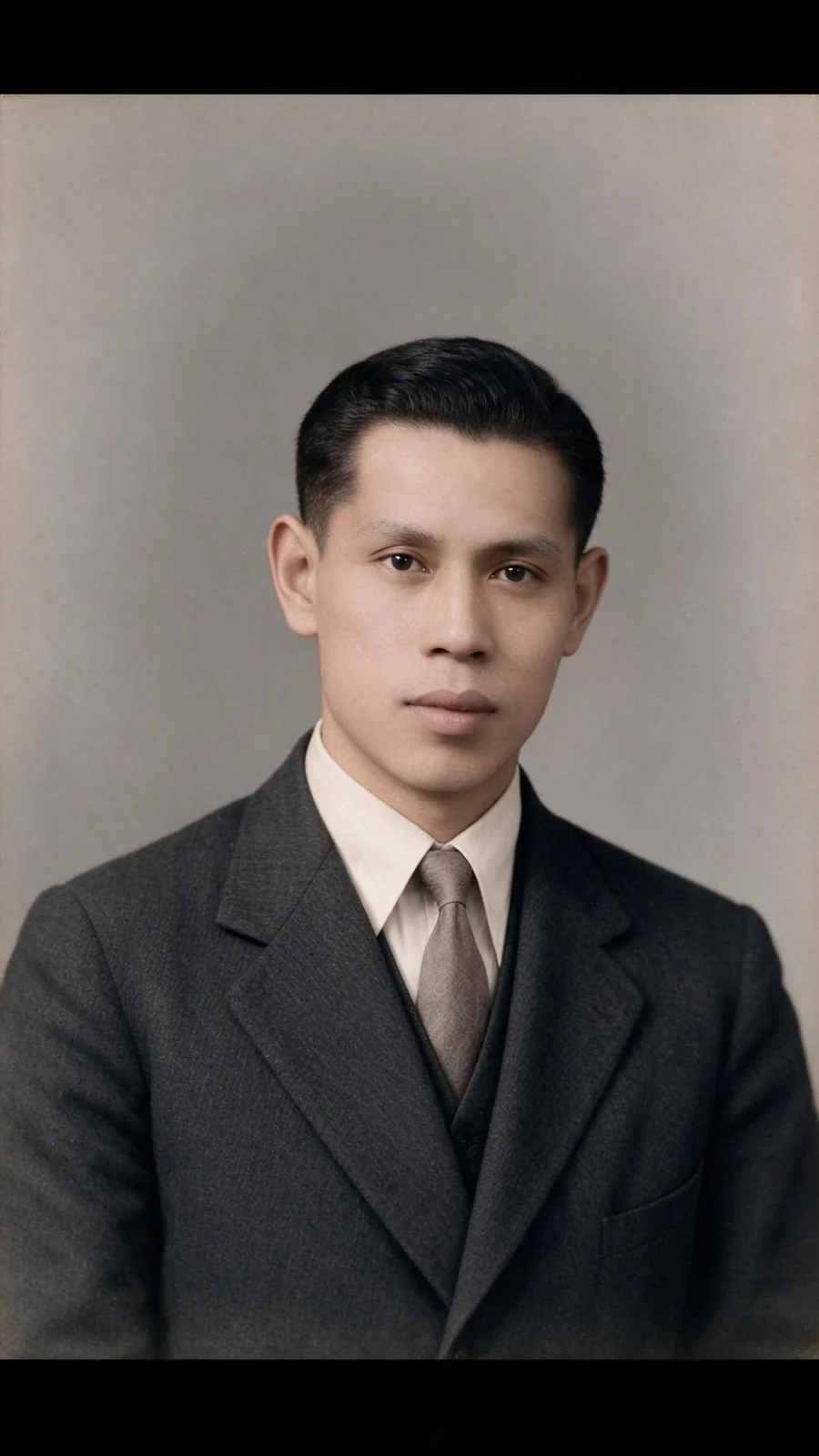
MAKE IT YOURS
Improve clarity and tonal balance while keeping the composition and recognizable features close to the source. A good starting point when the photo needs care rather than a new look.
Explore plausible colors for black-and-white photographs. AI estimates clothing, skin and surroundings; the result is an interpretation, not a record of the original colors.
Target scratches, creases, tears and fading. Use a lower strength for small defects, or increase it when damage covers larger areas. Missing details may be reconstructed.
Work with group photographs while prioritizing familiar faces. Use the clearest scan available and check each person after generation.
REAL EXAMPLES
Colorization examples generated with PoseMe. These are finished outputs, not before-and-after comparisons.
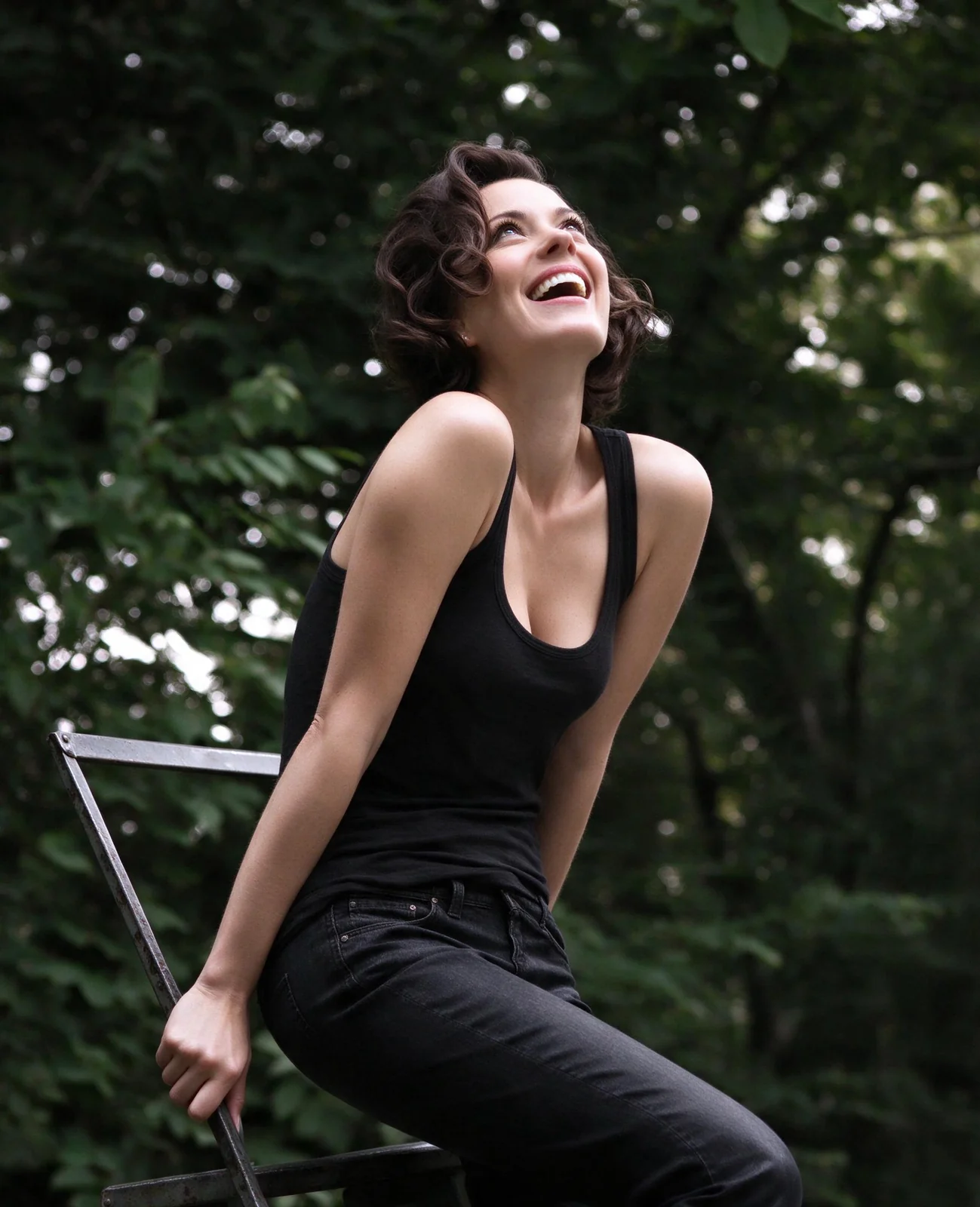
FROM PHOTO TO FINISHED IMAGE
Start with Faithful Restoration, Natural Colorization, Damage Repair or Family Photo Restoration.
Use a PNG, JPG or WebP file up to 12 MB. Avoid glare and crop out the scanner border when possible.
Set the repair strength, review the processing consent, generate and compare the result with your source before downloading.
A FEW USEFUL ANSWERS
Yes. Choose Natural Colorization in Restore Photos. The model estimates plausible colors, so skin tones, clothing and scenery may differ from the historical originals.
No. Results depend on the source and the amount of visible information. Severe blur, missing faces or large tears can require inferred details. Compare the output carefully with the original.
You can explore the studio before signing in. Real AI generation with credits requires a PoseMe account so purchases, generation history and saved results remain connected to you.
Your source photo is held in the current browser session. When you consent to AI generation, it is sent to the configured external image provider for processing. Source uploads are not saved in your gallery. Outputs created while signed in are saved privately to your account.
YOUR NEXT IMAGE STARTS HERE