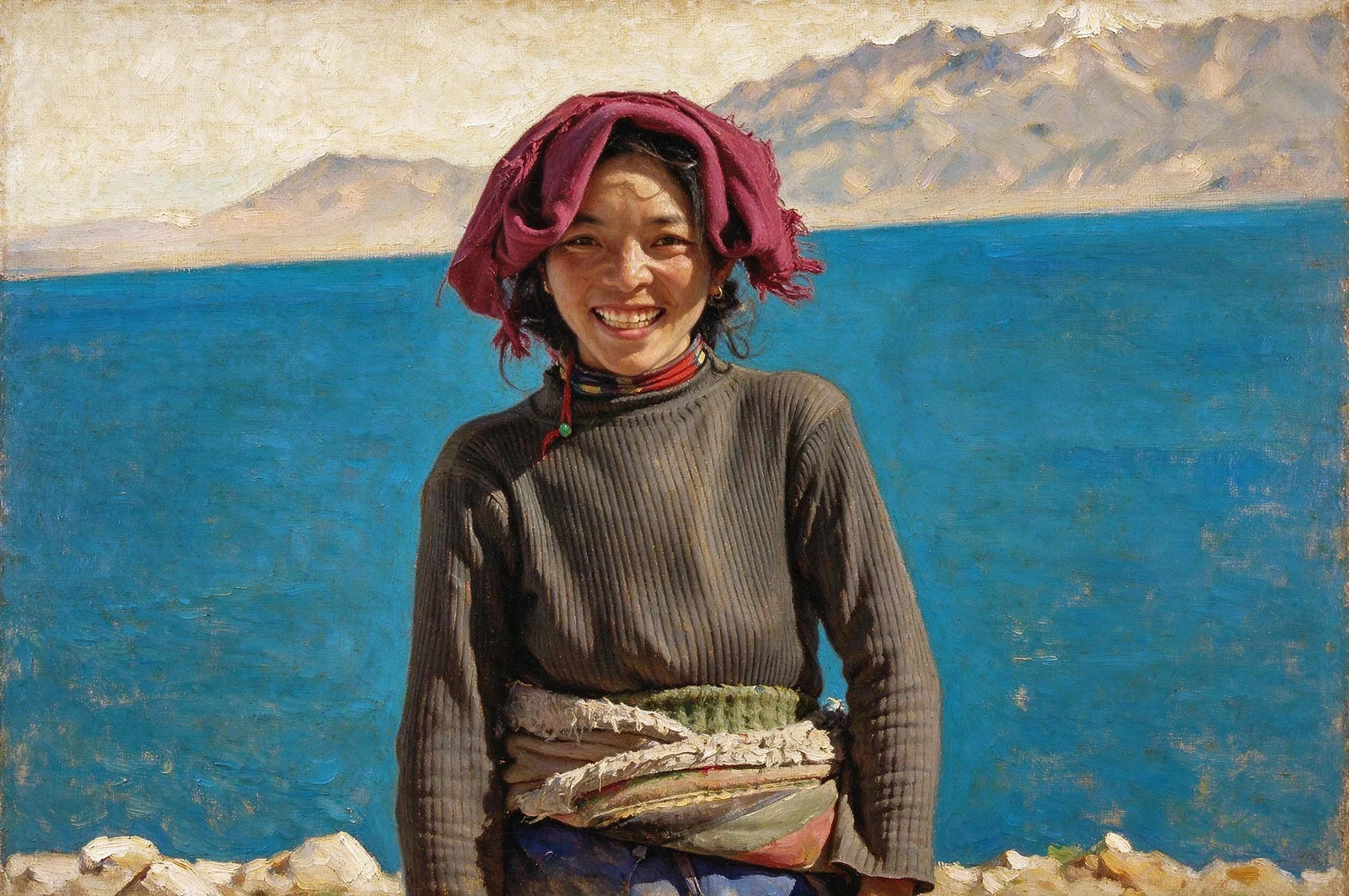
Classical Oil Portrait
Explore rich pigment, modeled light and visible brushwork inspired by classical portrait painting.
A DIFFERENT WAY TO SEE YOURSELF
Explore painted portraits, cinematic lighting and expressive photographic treatments from one image. Choose an art style, then refine how strongly it transforms the scene and subject.
Turn a photo into artPNG, JPG or WebP · Up to 12 MB · Sign in to use generation credits
MAKE IT YOURS
Explore rich pigment, modeled light and visible brushwork inspired by classical portrait painting.
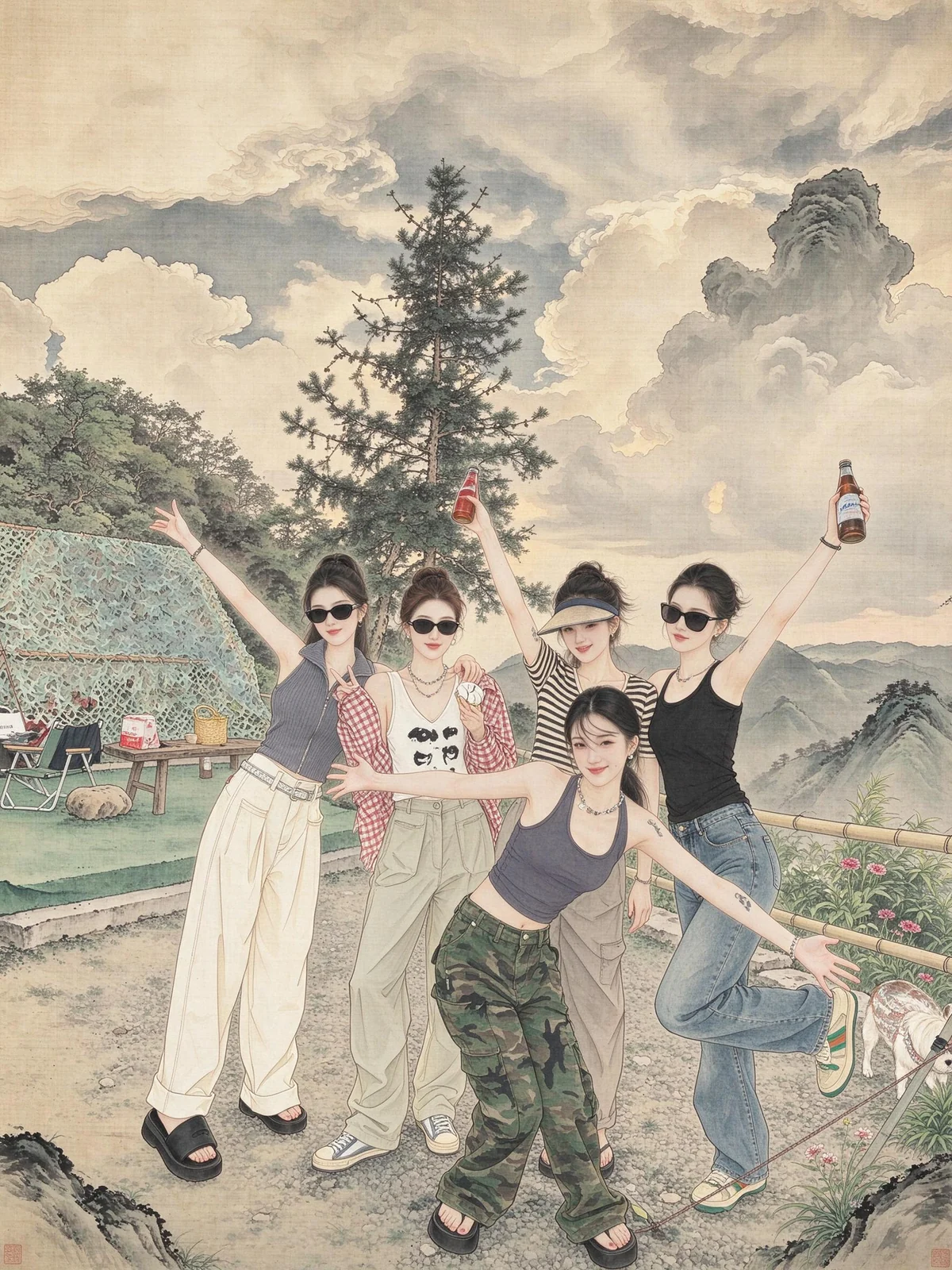
Choose luminous washes and paper texture, or delicate ink outlines and restrained color informed by Chinese gongbi painting.
Try warm film tones, expressive black-and-white rendering or cinematic light and color.
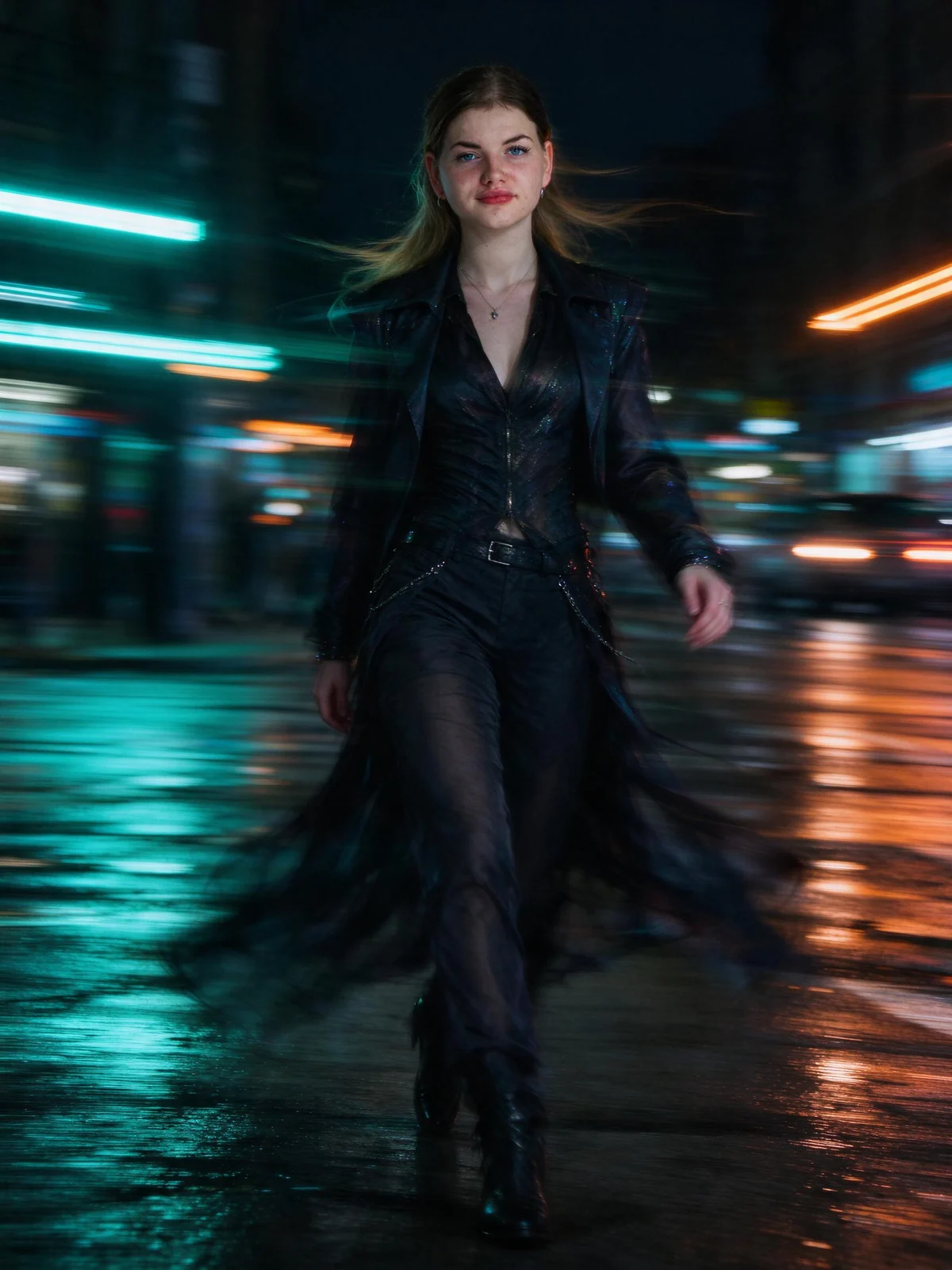
Create styled fashion portraits, atmospheric literary scenes or portraits framed by light trails and movement.
REAL EXAMPLES
AI-generated works made with PoseMe, showing distinct painting and photographic treatments.
FROM PHOTO TO FINISHED IMAGE
Choose the look in Art Styles. Each preset starts with its own recommended settings.
Upload a PNG, JPG or WebP file up to 12 MB. A clear subject gives the model more information to preserve.
Refine art strength, lighting and subject freedom, then generate, compare and download your favorite result.
A FEW USEFUL ANSWERS
AI generation can reinterpret textures, lighting, clothing and the scene according to your selected style and settings. The result may change details beyond color or contrast.
Yes. Art strength controls the style treatment, while subject freedom influences changes to wardrobe and pose. The exact result also depends on the source photo and the model.
PoseMe asks the model to preserve recognizable identity, but likeness is not guaranteed. Lighting, expression and reconstructed details can vary, so review the result before sharing.
Your source photo is held in the current browser session. When you consent to AI generation, it is sent to the configured external image provider for processing. Source uploads are not saved in your gallery. Outputs created while signed in are saved privately to your account.
YOUR NEXT IMAGE STARTS HERE