People first
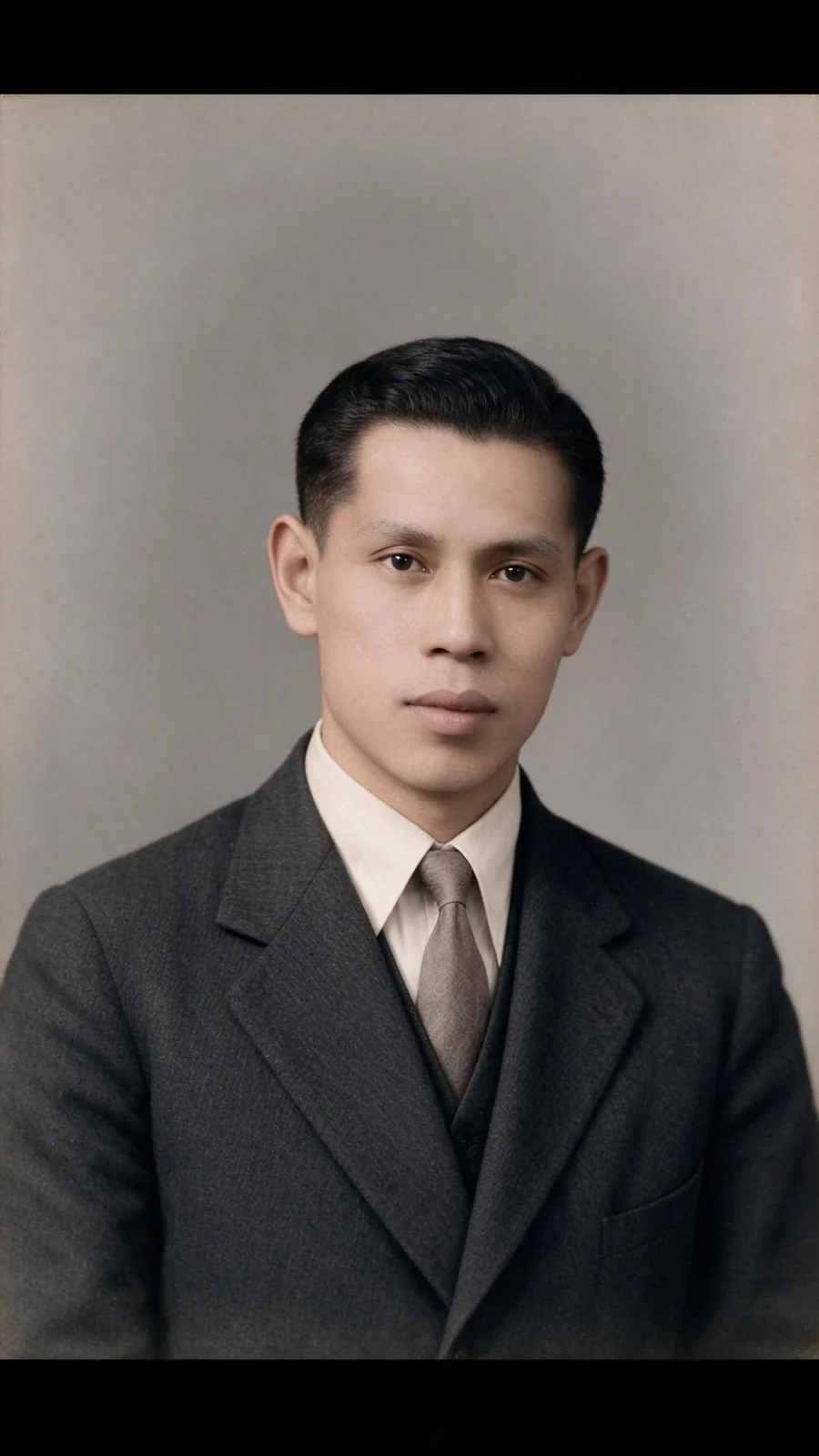
Prioritize recognizable faces, natural skin tones and the original expressions instead of turning the source into a newly staged portrait.
NATURAL COLOR FOR OLD PHOTOS
Turn a monochrome family photo or archive portrait into a carefully balanced color interpretation. PoseMe keeps the original composition as its reference while estimating plausible color for skin, clothing and surroundings.
Colorize a photoPNG, JPG or WebP · Up to 12 MB · Sign in to use generation credits
MAKE IT YOURS
Prioritize recognizable faces, natural skin tones and the original expressions instead of turning the source into a newly staged portrait.
Estimate clothing, plants, buildings and sky as one coherent palette so the result avoids isolated color patches or excessive saturation.
Use restrained, era-aware color cues where the source supports them, while treating uncertain garment and object colors as interpretation rather than fact.
Adjust repair strength and tonal balance alongside colorization when the scan is faded, noisy or lightly damaged.
REAL EXAMPLES
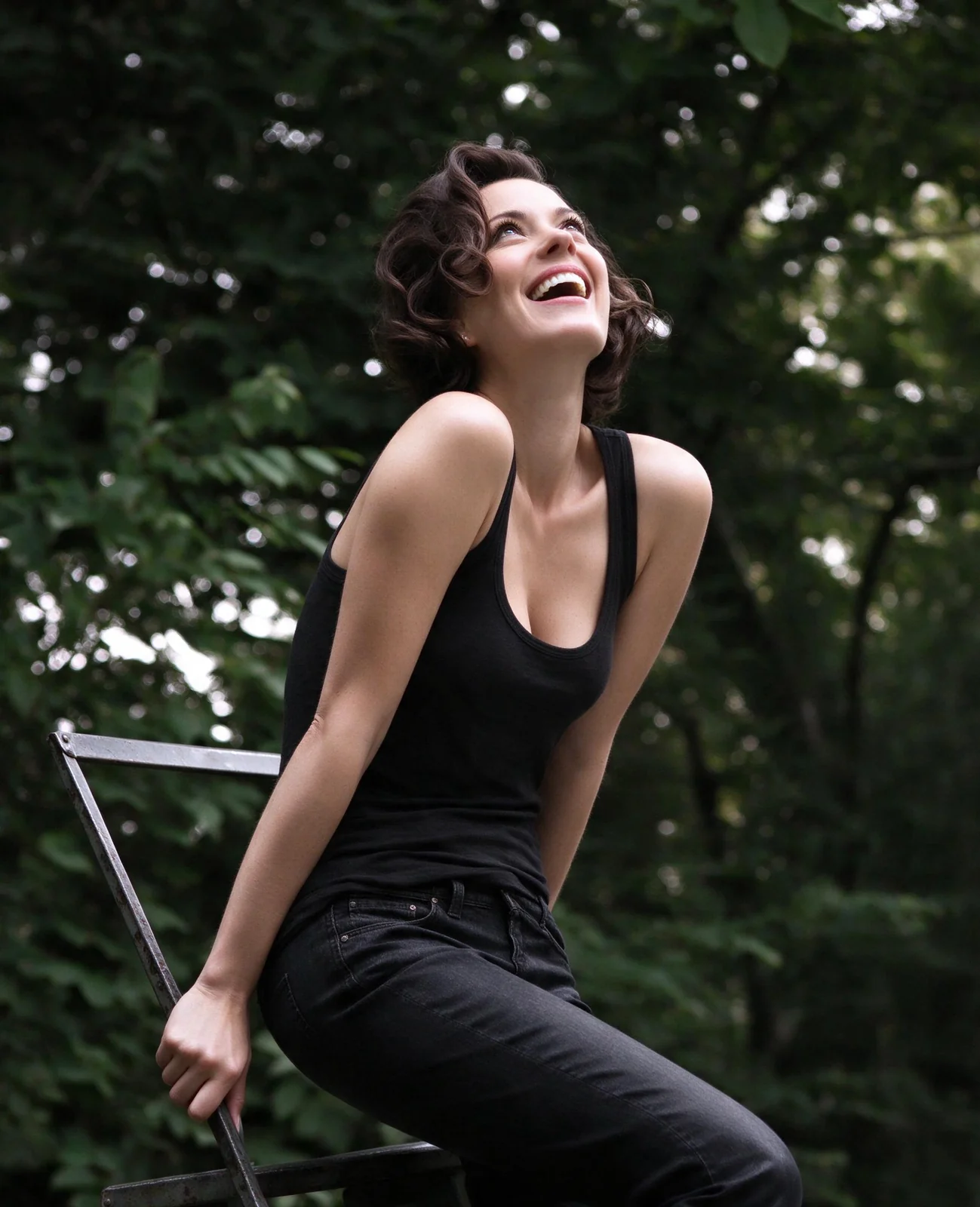
AI colorization examples made with PoseMe. The colors are plausible interpretations and are not verified historical records.
FROM PHOTO TO FINISHED IMAGE
The link opens Restore Photos with the colorization preset and its recommended conservative settings.
Use a straight, evenly lit PNG, JPG or WebP scan up to 12 MB. More visible grayscale detail gives the model better context.
Generate, compare against the monochrome source and download only after checking faces, clothing, objects and background boundaries.
A FEW USEFUL ANSWERS
No. A black-and-white image does not contain the missing hue information. PoseMe estimates plausible colors from visible context, so a dress, vehicle or wall may have been a different color in reality.
The prompt prioritizes the original identity, expression and composition, but any generative edit can alter details. Compare each face with the source, especially in small or damaged group photos.
Natural Colorization is designed mainly for monochrome images, but its restoration controls can also help rebalance a severely faded color scan. Start conservatively and check for invented colors.
Your source photo is held in the current browser session. When you consent to AI generation, it is sent to the configured external image provider for processing. Source uploads are not saved in your gallery. Outputs created while signed in are saved privately to your account.
YOUR NEXT IMAGE STARTS HERE