Visible oil technique
Ask for directional brushwork, layered pigment, glaze transitions, canvas texture and selected impasto accents across the whole composition.
A CLASSICAL PAINTED PORTRAIT
Create a unified painted portrait with layered pigment, modeled light and visible brushwork—not a photographic face placed over a painted background. Control the strength of the medium while keeping recognizable identity as the reference.
Create an oil portraitPNG, JPG or WebP · Up to 12 MB · Sign in to use generation credits
MAKE IT YOURS
Ask for directional brushwork, layered pigment, glaze transitions, canvas texture and selected impasto accents across the whole composition.
Use soft chiaroscuro and controlled highlights to shape the face, hands, clothing and background as one museum-style portrait.
Preserve recognizable facial proportions and distinctive features while replacing photographic skin texture with coherent painted form.
Keep the original presentation with low subject freedom, or allow a more substantial scene-appropriate redesign with higher freedom.
REAL EXAMPLES
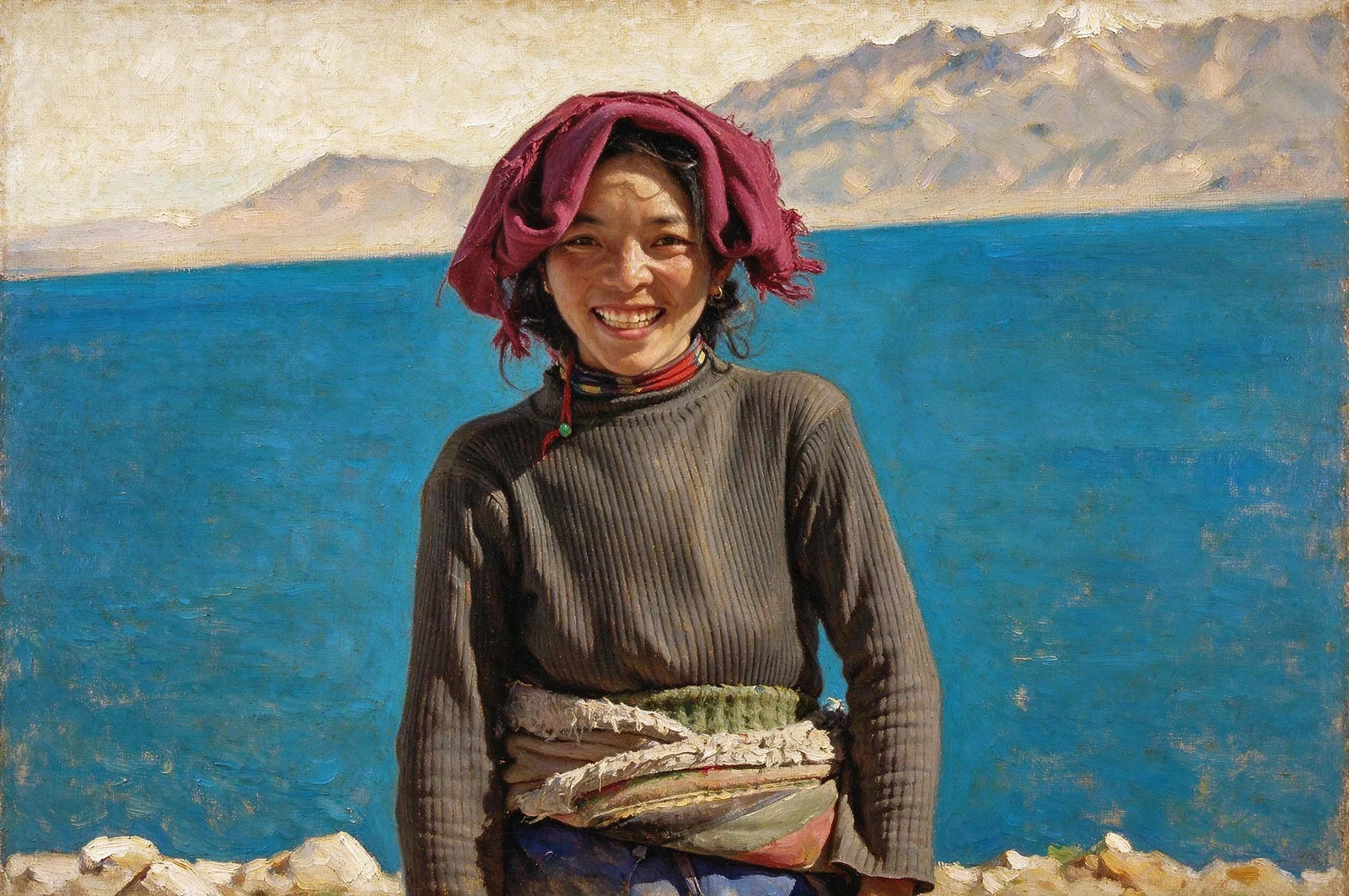
A classical oil portrait generated in PoseMe. The entire frame uses one coherent painted medium.
FROM PHOTO TO FINISHED IMAGE
The studio opens the oil preset with strong medium treatment and restrained subject redesign.
Choose a PNG, JPG or WebP image up to 12 MB with visible facial structure, hands and clothing where possible.
Adjust art strength, palette, lighting and subject freedom, then inspect brushwork and likeness before downloading.
A FEW USEFUL ANSWERS
No. The image model is instructed to reinterpret the complete frame with medium-specific pigment, brushwork and canvas texture. The result is generated artwork rather than a reversible overlay filter.
Yes. Lower wardrobe and pose freedom asks the model to stay close to the source. Higher values allow a larger redesign that fits the selected painted setting.
A generative painting rebuilds visual detail instead of tracing every source pixel. PoseMe prioritizes identity, but likeness can still shift, especially with small, blurred or heavily angled faces.
Your source photo is held in the current browser session. When you consent to AI generation, it is sent to the configured external image provider for processing. Source uploads are not saved in your gallery. Outputs created while signed in are saved privately to your account.
YOUR NEXT IMAGE STARTS HERE